Max plan
MotiveWave GEX indicator — gamma walls on ES & NQ
Draws your SPX & NDX option levels — walls, zero gamma, convexity and a net-GEX profile — on your ES & NQ charts, mapped via the futures basis.
Same levels, either way. The extension is not a different product or a different calculation — it is the same engine, the same walls, drawn where you already trade. Use the web dashboard, MotiveWave, or both.
- Call/put walls, zero gamma & convexity drawn on the chart
- Price-aligned net-GEX profile dock
- Up to 90 sessions of history, basis-mapped to ES & NQ
- One API key — no local engine, nothing to host
Not on Max yet? Get Max — $99/mo · cancel anytime
What it draws
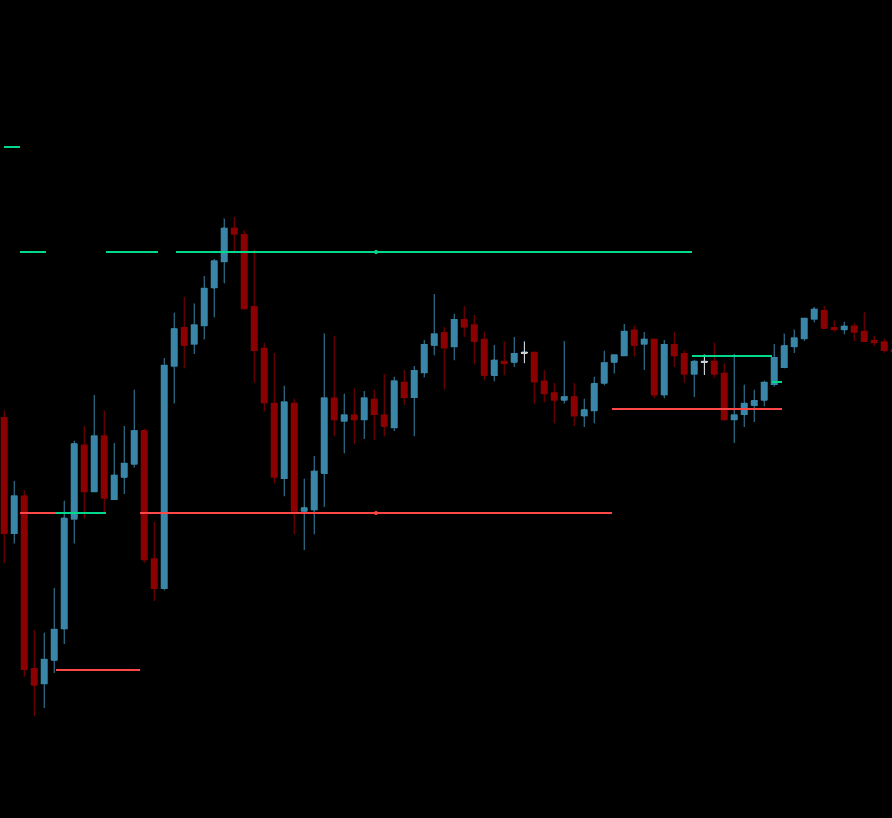
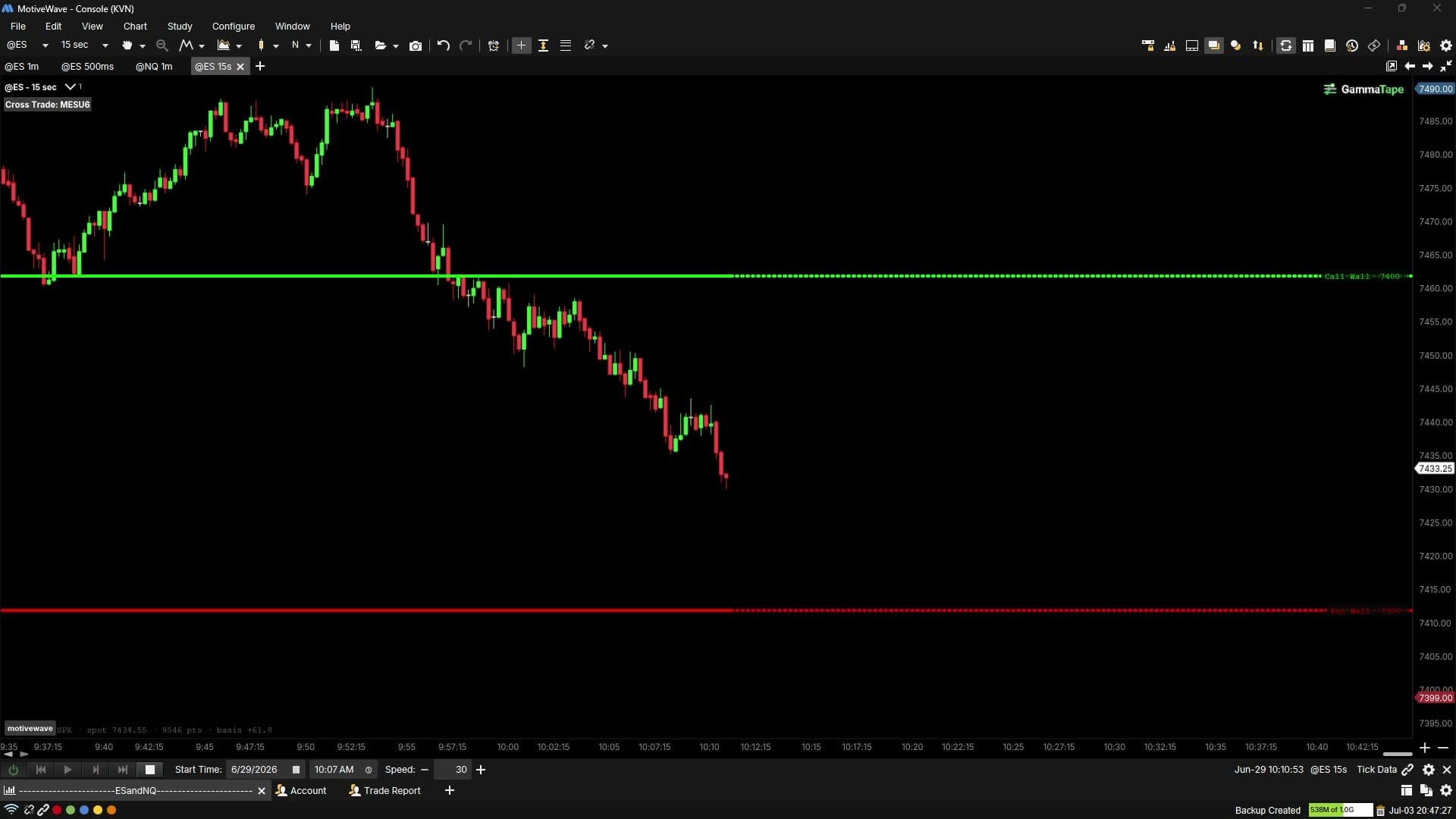
The GammaTape Walls study draws the engine’s 0DTE option levels — computed from the SPX and NDX chains, or SPY and QQQ — on a MotiveWave chart, at futures prices, with the same colours and defaults as the web desk.
- Read
- GEX (call wall and put wall), Convexity (major positive and negative gamma) or Abs Gamma (the strike carrying the most gamma in total) — the desk's three reads.
- Book
- Open interest, volume, or both at once (OI solid, volume dotted).
- Zero gamma
- The volume book's boundary, as on the desk, with the open-interest flip marked beside it on the price axis.
- Trails
- The path of each level through the session, minute by minute, so you see where a wall was as well as where it is.
- Profile
- A net-GEX profile by strike, docked against the price axis.
- References
- Max pain and the expected move, each toggleable.
- Status line
- The read, the book and the basis in use, printed on the chart.
How the basis is applied
The study converts index levels to futures prices with a basis it measures on your own chart, so a wall computed at SPX 7700 lands on the matching ES price.
- SPX and NDX are shifted. Each level moves by the futures price minus the index (ES − SPX, NQ − NDX).
- SPY and QQQ are scaled. Each level is multiplied by the futures-to-ETF ratio (ES ÷ SPY, about 10; NQ ÷ QQQ, about 41).
- Measured per session, then held. The value is the median of the minute-by-minute spread (or ratio) between your chart’s futures bars and the index, frozen once stable, so the walls do not slide with price.
- Yours to check and adjust. The status line prints the basis in use; a fine-tune setting adjusts it by hand, and turning “Align to futures” off draws raw index values.
Before the open, while the data is still the previous session, the offset includes the overnight gap. The public ES and NQ levels pages apply no basis: they publish index points.
Which plan
The MotiveWave extension is part of Max, at $99/month or $891/year (nine months’ price).
Max includes everything in Pro — both books, every read, 90-day replay — plus the extension on ES & NQ, an API key and up to 4 charts. Starter ($24/month) and Pro ($49/month) show the same levels in the web desk only. 7-day refund on the first charge. Compare the plans.
Install in five minutes
Installing the indicator takes four steps and needs MotiveWave 6 or later.
- 1
Subscribe to Max
The MotiveWave extension and its API key are included with the Max plan.
- 2
Install GammaWalls.jar
In Settings on your GammaTape account, download GammaWalls.jar from the chart extensions card, put it in your MotiveWave Extensions folder, then restart MotiveWave.
- 3
Add the study to an ES or NQ chart
On your ES or NQ chart, add the GammaTape Walls study from the Study menu, under GammaTape.
- 4
Paste your API key
Generate the key in the same Settings card and paste it into the study's settings. The study streams your levels from the engine; there is nothing to host locally.
Market analytics, not investment advice. Levels describe options positioning; they are not a forecast. How each level is computed is on the methodology page.